Let’s be honest, LinkedIn has changed.
It used to be the place you went to update your CV, congratulate someone on a new job, shout about your new position or promotion without feeling bad, and maybe occasionally share an article you’d written.
Now? It’s a serious content platform. People are using LinkedIn to build personal brands, demonstrate expertise, discover businesses, learn from industry experts and more.
So, if your LinkedIn strategy still consists mainly of company updates, links to your latest blog and the occasional stock image with a motivational quote slapped across it, you’re missing a huge opportunity. Your true power on the platform could be unlocked by embracing video.
Video for LinkedIn isn’t just another content format. It’s becoming one of the most effective ways to show people what your brand actually knows, who is behind the logo and why they should pay attention.
Proof that Video is Booming On LinkedIn Now
Let’s start with the numbers.
LinkedIn says video viewing on the platform increased by 36% year-on-year, while video creation is growing twice as fast as other original content formats.
But it’s not just people on or connected to LinkedIn saying that video is important.
When Metricool analysed 577,180 LinkedIn posts from more than 47,000 pages for its 2025 LinkedIn study, it found that the number of video posts on LinkedIn had increased by 53% year-on-year.
And independent benchmark data from Socialinsider continues to put video among LinkedIn’s strongest-performing content formats. Its 2026 analysis of 1.3 million LinkedIn business posts found video content achieved an average engagement rate of around 5.9%, compared with 3.95% for text-only posts in Q2 2026.
So there’s a clear trend. But that doesn’t mean you should just start throwing videos at your LinkedIn feed.
Because the real opportunity is understanding why video works so well for building a brand on LinkedIn. Otherwise, you’re risking shouting into the void.
LinkedIn isn’t TikTok, but that’s Exactly Why video works
One of the biggest mistakes businesses make with LinkedIn video is assuming they need to copy what works on TikTok or Instagram.
LinkedIn has its own audience, culture and purpose. People aren’t necessarily opening this app to watch the latest dance trend. And they’re probably not coming to LinkedIn expecting to see someone unbox a £20 water bottle.
What Videos Work on LinkedIn?
People on LinkedIn are there to learn, discover, connect and make decisions. So, what should your LinkedIn videos do?
LinkedIn’s 2025 B2B Marketing Benchmark found that 94% of B2B marketers surveyed believe trust is important to success. Meanwhile, 42% said increasing brand awareness and reputation among decision-makers was their top business priority.
Video puts a real person connected to your business in front of your audience. Allowing them to see how you communicate, hear your voice, understand your personality and bring them closer to the people behind the business.
That’s pretty powerful when you’re trying to turn an unfamiliar company into a recognised and trusted brand.
How Can Video Make Your Brand Feel More Human
People don’t really connect with businesses, they connect with the people in the businesses. That’s why talking-head videos, interviews, behind-the-scenes content and expert commentary have become so popular on LinkedIn.
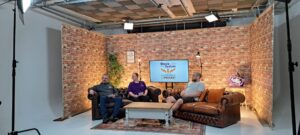
Like this handsome chap, for example:
A 90-second video of your technical director explaining exactly how your latest SaaS tool can genuinely save execs time can do so much more than a dry static graphic.
It’s an ideal way to demonstrate expertise and personality at the same time. But video quality plays its part too. That’s why we mentioned earlier that your new social media video strategy shouldn’t be to just grab your camera and start uploading any old waffle from your CEO.
It helps to have a plan. A good start to any video marketing plan is to know what works best on the platform you’re targeting.
So, What’s the Ideal Video Length for LinkedIn?
How long should a LinkedIn video actually be? Truth is, there’s no universal answer. But there is some useful data knocking around to back up a reasonable theory.
Socialinsider’s latest analysis of social video performance found that LinkedIn video engagement peaked in the 120–180 second range, with an average engagement rate of 6.6%. Meanwhile, videos longer than three minutes saw engagement fall back to around 5.50%.
That’s interesting because it proves the theory that, if you’ve got a genuinely useful idea that needs two minutes to explain, use two minutes. But, at the same time, if the point can be made in 30 seconds, don’t stretch it to two minutes just because a benchmark told you to.
What’s the Average Completion Rate for LinkedIn Video?
You might find articles telling you that a certain percentage is the “average completion rate for LinkedIn video”. But no research currently exists to suggest one universal completion-rate benchmark you can apply to every LinkedIn video.
That’s because completion rate is influenced by many things, including:
- Video length
- Content type
- Audience
- Hook
- Production quality
- Whether the viewer already knows the person or brand
- How much value the video delivers
So rather than obsessing over one magic percentage, look at your own videos.
If viewers consistently disappear after the first 10 seconds, your opening probably needs work. If people are staying until the end but not clicking, commenting or taking the next step, perhaps your CTA needs attention.
And if one particular style of video consistently holds attention for longer than the rest?
Make more of those. It’s that simple.
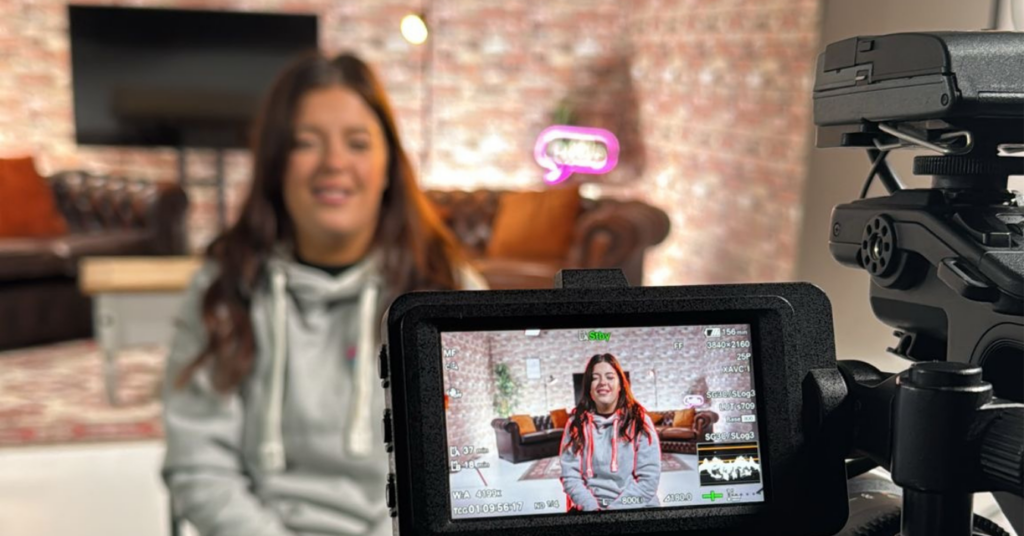
Is Horizontal or Vertical Video Better for LinkedIn?
This one is slightly more complicated because the truth is, both can work.
LinkedIn’s current organic video specifications support a wide range of aspect ratios, from 1:2.4 through to 2.4:1, with videos up to 15 minutes long. So you’re not restricted to just one format.
However, there’s a strong argument for experimenting with vertical and square video for mobile-first LinkedIn content.
When to Use Horizontal and Vertical Video on LinkedIn
Vertical video takes up significantly more screen real estate when someone is scrolling on a phone, which can make it harder to ignore.
And LinkedIn’s own advertising specifications currently recommend 4:5 vertical video for video ads, alongside 9:16, 1:1 and 16:9 formats.
That doesn’t mean every organic LinkedIn video should suddenly become a TikTok-style 9:16 clip.
For example:
Horizontal works brilliantly for:
- Interviews
- Corporate films
- Case studies
- Product demonstrations
- Event footage
- Presentations
- Cinematic brand content
Vertical or square can work particularly well for:
- Talking-head videos
- Quick tips
- Founder content
- Expert commentary
- Behind-the-scenes clips
- Short-form educational content
The best aspect ratio for LinkedIn video is ultimately the one that suits the content you’re trying to communicate.
Don’t force a beautifully shot interview into a vertical frame just because somebody on LinkedIn told you 9:16 is the future.
How to Optimise LinkedIn Video for Better Engagement
Good LinkedIn video isn’t about cracking a secret algorithm. It’s about giving people a reason to stop scrolling and keep watching.
Four simple rules can help:
1. Start with the Point
Don’t spend the first 15 seconds introducing yourself. Get straight to the meat. A problem, opinion, question or useful insight.
2. Keep it Focused
Remember, one video, one idea. Rather than cramming everything your business knows into a 10-minute video, focus on one useful takeaway every time you film a new video.
It’s better for the viewer and gives you plenty more content to work with.
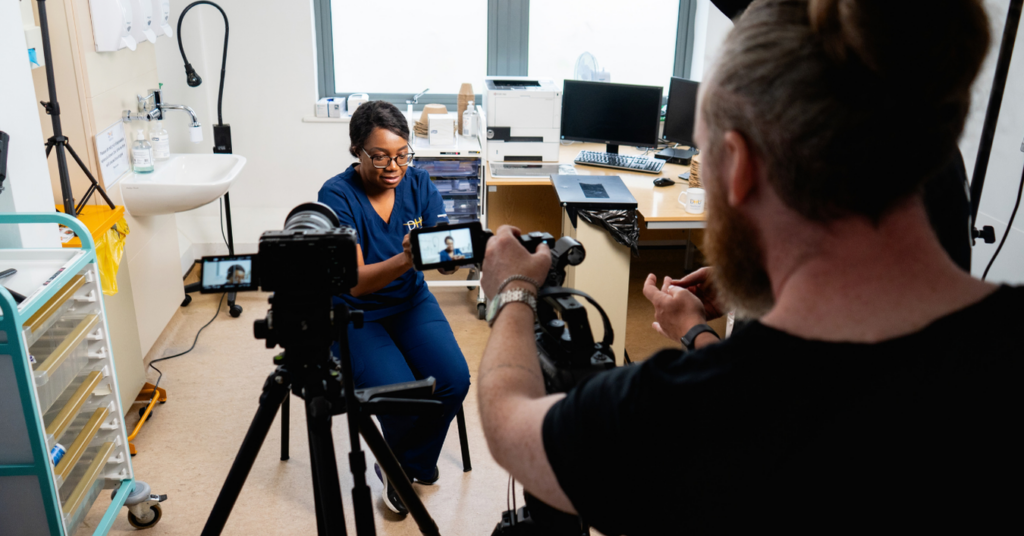
3. Put People in Front of the Camera
LinkedIn is a professional network, but that doesn’t mean your content needs to feel corporate. Put your experts, founders and team members in front of the camera and let people see the humans behind your brand. Give you expertise a face.
This can actually be super useful in helping to battle the wave of AI content popping up online. In fact, research has found that 78% of people trust videos more when they can see a real human in them.
4. Make it Easy to Watch
Use captions and clear on-screen text, particularly when they’re helping communicate the key message. Keep important text and logos within LinkedIn’s safe areas, too.
Have an opinion. Tell a story. Show some personality. That’s often what makes someone stop scrolling.
Why Your LinkedIn Strategy Shouldn’t be “More Video”
It would be easy to read all of this and think: “Ok. We just need to post more videos.”
But to give you the best chance of growth, your video content needs to be strategic, planned and part of a wider organic video content strategy.
Storykit’s 2025 research into how businesses use LinkedIn video found that 79% already use video as a marketing or communication tool.
- 69% use it to enhance brand visibility
- 55% to explain concepts or services
- 46% for thought leadership
That’s exactly where video can become part of a bigger content strategy. Your LinkedIn content might include:
- Educational video: Answer a question your customers ask all the time.
- Thought-leadership video: Share an opinion on something happening in your industry.
- Behind-the-scenes video: Show how your business actually works.
- Customer story video: Demonstrate the results you’ve achieved.
- People-led video: Introduce the experts and personalities behind your brand.
- Product or service video: Show people what you actually do rather than simply telling them.
And importantly, these don’t all need to look the same. Your LinkedIn feed should feel like a conversation with your business, not an endless stream of adverts.
The Businesses Winning with LinkedIn Video Aren’t Making the Fanciest Content
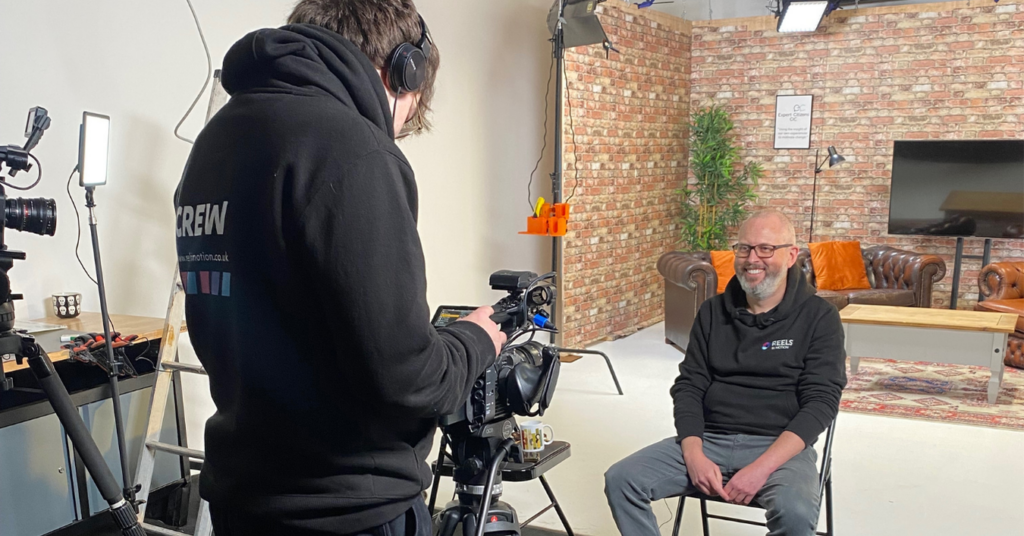
Crucially, you don’t need a Hollywood production budget to make useful LinkedIn content.
LinkedIn’s own research found that high-performing B2B videos weren’t necessarily the ones with the biggest production budgets. Creative intent, emotional connection and the people and stories featured were much more important factors.
But that doesn’t mean production quality is irrelevant. Poor lighting, awful audio, unreadable text and shaky footage can still make a business look unprofessional.
The sweet spot is professional enough to represent your brand properly, human enough to feel authentic and interesting enough to earn someone’s attention.
That’s where a proper video strategy comes in.
Ready to Put Video at the Heart of Your LinkedIn Strategy?
LinkedIn is becoming an increasingly important place for businesses to build visibility, demonstrate expertise and earn trust.
Video gives you a powerful way to do all three, but the goal shouldn’t be to just make more video. It should be to make better, more purposeful video content.
The kind that answers questions, starts conversation, shows your personality, builds familiarity, and ultimately gives potential customers and clients a reason to remember your name when they’re ready to buy.
At Reels In Motion, we help businesses turn their expertise, people and ideas into video content designed to work across modern marketing channels – including LinkedIn.
So, if your LinkedIn strategy is still mostly text and graphics, perhaps it’s time to press record.
Talk to our friendly team about your video marketing strategy today